
Table of Contents
Introduction: Why is My Coffee Machine Not Working?
There’s little worse than waking up, ready for your morning cuppa, only to find your coffee machine stubbornly refuses to cooperate. It’s a truly frustrating experience. Fortunately, many common issues can be resolved with a bit of troubleshooting, saving you the cost and hassle of a replacement. This guide will walk you through diagnosing and fixing problems with various types of coffee machines popular in the UK, including bean-to-cup, pod (like Nespresso and Dolce Gusto), filter, and espresso machines. We’ll cover everything from simple fixes to more involved procedures, helping you get back to enjoying your favourite brew.
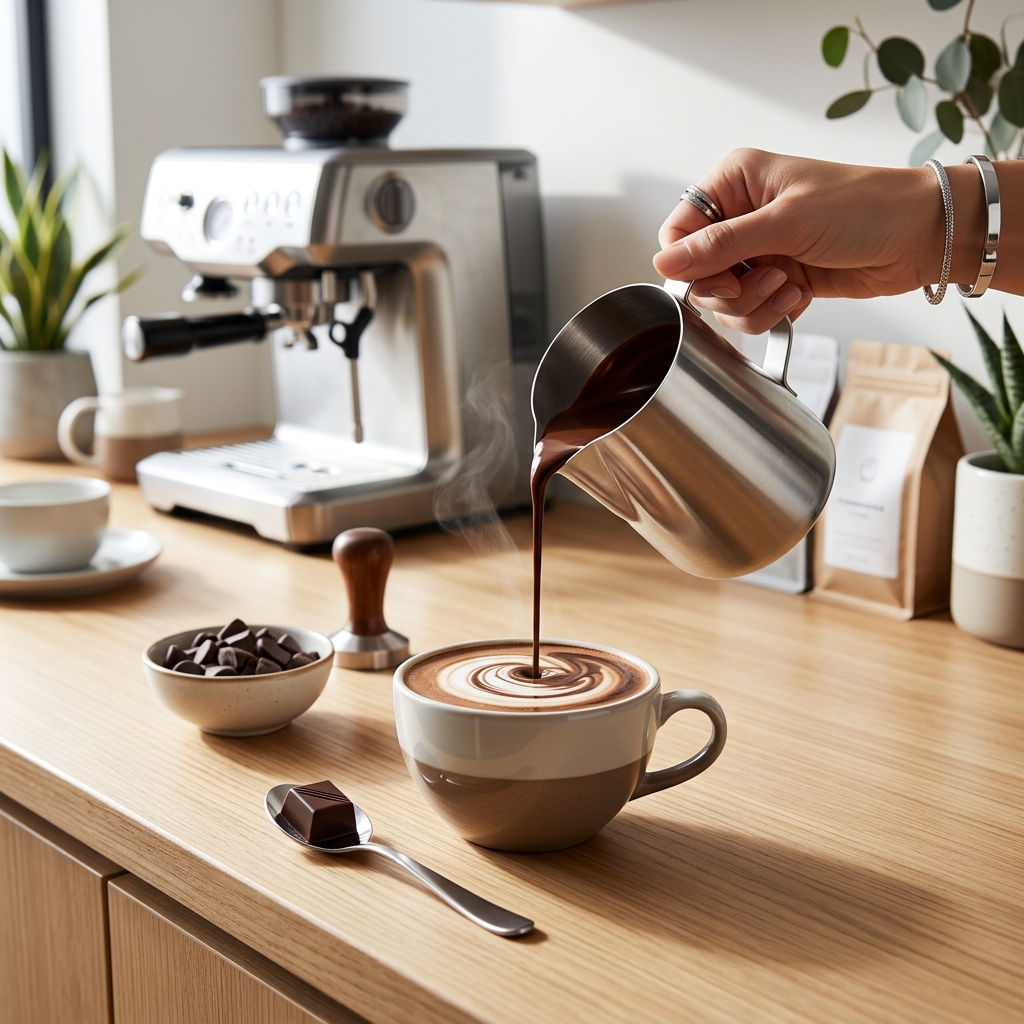
Understanding Your Coffee Machine Type
Different coffee machines have different common faults. Understanding your machine type is the first step to effective troubleshooting:
- Filter/Drip Coffee Machines: These are typically the most straightforward. Issues often relate to heating elements, water flow, and filter basket problems.
- Pod Machines (Nespresso, Dolce Gusto): Problems usually centre around pod insertion, piercing mechanisms, and water delivery.
- Bean-to-Cup Machines: These are more complex, with potential issues in the grinder, brewing unit, and milk frothing systems.
- Espresso Machines: These require more finesse and can suffer from problems related to pressure, temperature, and tamping.
Common Coffee Machine Problems & Solutions
Problem 1: Coffee Machine Won’t Turn On
A complete lack of power is a common starting point for troubleshooting. Safety first: always unplug the machine before attempting any internal checks.
- Check the Power Cord: Ensure it’s securely plugged into both the machine and the wall socket.
- Test the Outlet: Plug another appliance into the socket to confirm it’s working.
- Check the Fuse/Circuit Breaker: Inspect the fuse in the plug (if applicable) and check the circuit breaker in your consumer unit. Replace a blown fuse with the correct amperage.
- Reset Button: Some machines have a reset button, usually located on the back or bottom. Press it and try again.
- Internal Fuse (Caution!): Only attempt this if you are comfortable working with electrical appliances and the fuse is easily accessible. There may be an internal fuse. Consult your machine’s manual before attempting to access it.
Problem 2: Coffee is Weak or Watery
A disappointing brew is often caused by incorrect ratios or stale ingredients.
- Coffee-to-Water Ratio: Adjust the amount of coffee used. A general guideline is 1-2 tablespoons of ground coffee per 180ml of water, but adjust to your taste.
- Coffee Freshness: Use freshly roasted coffee beans or grounds. Stale coffee loses its flavour and aroma.
- Grind Size: For filter machines, a medium grind is usually best. For espresso, a fine grind is required. An incorrect grind size impacts extraction.
- Descaling: Mineral build-up can restrict water flow, leading to weak coffee. Descale your machine regularly (see section below).
- Filter Issues: Ensure your filter paper is correctly inserted and isn’t clogged.
Problem 3: Coffee Machine is Leaking
Leaks can be messy and potentially damaging. Investigate the source of the leak.
- Water Reservoir: Check for cracks or improper seating of the reservoir.
- Hoses and Connections: Inspect all hoses and connections for leaks. Tighten any loose connections.
- Coffee Grounds Basket: Don’t overfill the coffee grounds basket.
- Seals/Gaskets: Check the seals and gaskets around the brewing unit and water reservoir for damage. These may need replacing.
- Descale: Mineral build-up can cause pressure to build, leading to leaks.
Problem 4: Coffee Machine is Making Loud Noises
Unusual noises often indicate a mechanical problem.
- Grinder Issues (Bean-to-Cup): A grinding noise could indicate beans are jammed or the grinder is worn.
- Air Lock: An air lock in the system can create gurgling or sputtering sounds. Try running a cleaning cycle with water only.
- Low Water Level: Some machines make noise when the water level is low.
- Pump Problems: A failing pump can be noisy.
- Loose Parts: Check for any loose parts or vibrations.
Problem 5: Coffee Machine is Clogged
A clogged machine won’t brew properly. Descaling is often the solution.
- Descaling: (See detailed guide below).
- Brew Head Cleaning: Remove and clean the brew head, removing any coffee residue.
- Blocked Filters: Check and clean any filters.
- Cleaning Solution: Use a dedicated coffee machine cleaning solution following the manufacturer’s instructions.
Problem 6: Pod Machine Issues (Nespresso, Dolce Gusto)
Pod machines have specific issues.
- Pod Not Pierced: This could be due to a blocked piercing needle. Run a cleaning cycle as per the manufacturer’s instructions.
- Error Messages: Consult your machine’s manual for the meaning of the error message.
- Water Not Flowing: Descaling may be needed. Check the water reservoir is correctly fitted.
- Pod Chamber Blockage: Remove any pod debris from the chamber.
Descaling Your Coffee Machine: A Step-by-Step Guide
Descaling removes mineral build-up, improving performance and extending the life of your machine. Frequency depends on water hardness – in hard water areas, descale every 1-3 months. In soft water areas, every 6-12 months.
- Choose a Descaling Solution: Options include Durgol Descaler for Coffee Machines (£12.99), De’Longhi Coffee Machine Descaling Solution (£8.5), or Nespresso Descaling Solution (£10.0).
- Prepare the Solution: Follow the instructions on the descaling solution packaging. Generally, this involves mixing the solution with water.
- Run the Descaling Cycle: Most machines have a dedicated descaling cycle. Follow your machine’s manual. If not, run a full brewing cycle with the descaling solution, then run several cycles with fresh water to rinse thoroughly.
- Rinse Thoroughly: Run at least two full brewing cycles with fresh, clean water to remove any remaining descaling solution.
Preventative Maintenance: Keeping Your Coffee Machine Running Smoothly
- Regular Cleaning: Wipe down the exterior of the machine regularly. Clean the drip tray and brew group after each use.
- Filtered Water: Use filtered water (e.g., Brita Filter Cartridges for Water Filtration (£15.0)) to reduce mineral build-up.
- Proper Storage: When not in use for extended periods, empty the water reservoir and clean the machine thoroughly.
- Cleaning Tablets: Use Caffenu Cleaning Tablets for Coffee Machines (£9.99) regularly for a deeper clean.
When to Call a Professional (and When to Replace)
If you’ve tried these troubleshooting steps and your coffee machine still isn’t working, it’s time to consider professional help. If the cost of repair approaches the cost of a new machine, replacement is often the more sensible option.
Repair Costs (Estimate 2026):
- Simple repairs (e.g., replacing a seal): £30-£60
- More complex repairs (e.g., pump replacement): £80-£150
- Bean-to-cup machine repairs: £100-£250+
New Machine Prices (Estimate 2026):
- Filter/Drip Machines: £30-£100
- Pod Machines: £80-£200
- Bean-to-Cup Machines: £200-£800+
- Espresso Machines: £150-£1000+
FAQ
Q: How often should I descale my coffee machine?
It depends on your water hardness. In hard water areas, every 1-3 months. In soft water areas, every 6-12 months. Look for limescale build-up as a visual cue.
Q: Can I use vinegar to descale my coffee machine?
While it’s sometimes suggested, it’s not recommended by most manufacturers. Vinegar can leave a lingering smell and taste, and it may damage certain components. Dedicated descaling solutions are safer and more effective.
Q: My pod machine says “No Pod.” What should I do?
Try a cleaning cycle. The piercing needle might be blocked. Ensure you are using compatible pods.
Q: What causes a coffee machine to leak?
Common causes include overfilling the coffee grounds basket, a cracked water reservoir, damaged seals/gaskets, and mineral build-up creating pressure.
Q: Is it worth repairing an old coffee machine?
It depends on the cost of the repair and the age of the machine. If the repair cost is close to the price of a new machine, it’s usually more economical to replace it.